
Press kit
For writers and video creators. Everything here may be used in coverage of SofaBox.
Fact sheet
- Name: SofaBox
- Developer: OTB Vision (Out The Box Vision LLC), Carmel, Indiana, USA
- Platforms: Android (Google Play) and Windows (Microsoft Store coming soon), with the same interface on both
- Price: free. Optional one-time SofaBox Pro upgrade: $4.99. Playing games is never locked.
- Ads, accounts, tracking: none. SofaBox collects no personal data.
- Languages: English, Español, Português (Brasil), Français, Deutsch, Italiano, Nederlands, Polski
- Website and live demo: sofabox.app (the real interface, in the browser)
About SofaBox
One line
SofaBox is a console-style game launcher that turns an Android handheld, a phone with a controller, a TV or a Windows PC into a game console.
Short
SofaBox puts Android games, emulator games, PC games and web games in one library that you drive with a controller. Press your controller's Home button in any game to come back to it, plug into a TV or Samsung DeX and it moves to the big screen, and hold Home for a second to turn the controller into a mouse. It's free, with an optional one-time Pro upgrade, and runs on Android and Windows with the same interface.
Long
Phones and Android handhelds are powerful game machines, but they still feel like phones: games are scattered between app icons and emulator menus, and a controller can't get you around the system. SofaBox fixes that. It is a launcher built for controllers first: one big library with cover art for every game, a Home button that works from inside any game, and a console-like flow where starting a new game closes the old one, so emulators don't pile up in memory.
Emulator games launch straight into the game in the emulators people already use (RetroArch, Dolphin, PPSSPP, DuckStation, melonDS, NetherSX2 and more). On a TV or Samsung DeX, SofaBox opens full screen on the big screen and starts games there too. Mouse mode turns the controller into a pointer for the rest of the device. On Windows, SofaBox imports Steam and Epic libraries and works with Xbox, PlayStation, Switch and 8BitDo controllers.
Key features
- Every game in one library: Android games, emulator games (ROM folder scanning, launch presets), Steam and Epic games on Windows, and web games, with automatic cover art.
- Controller Home button that brings you back to SofaBox from any game; emulator games resume where you left them.
- TV and Samsung DeX: SofaBox and the games it starts run full screen on the big screen.
- Mouse mode (Pro): hold Home for one second and the stick becomes a pointer (Android and Windows).
- Edit mode: drag games into your own order, with touch, mouse or controller.
- SofaBox Pro ($4.99 once): library layouts (console shelf, centered, grid) and focus scrolling, tile shapes and sizes, colors and backgrounds, mouse mode, system-wide button mapping and recorded macros, and TV fine-tuning.
Logo & screenshots
Click an image to open the full-size file.


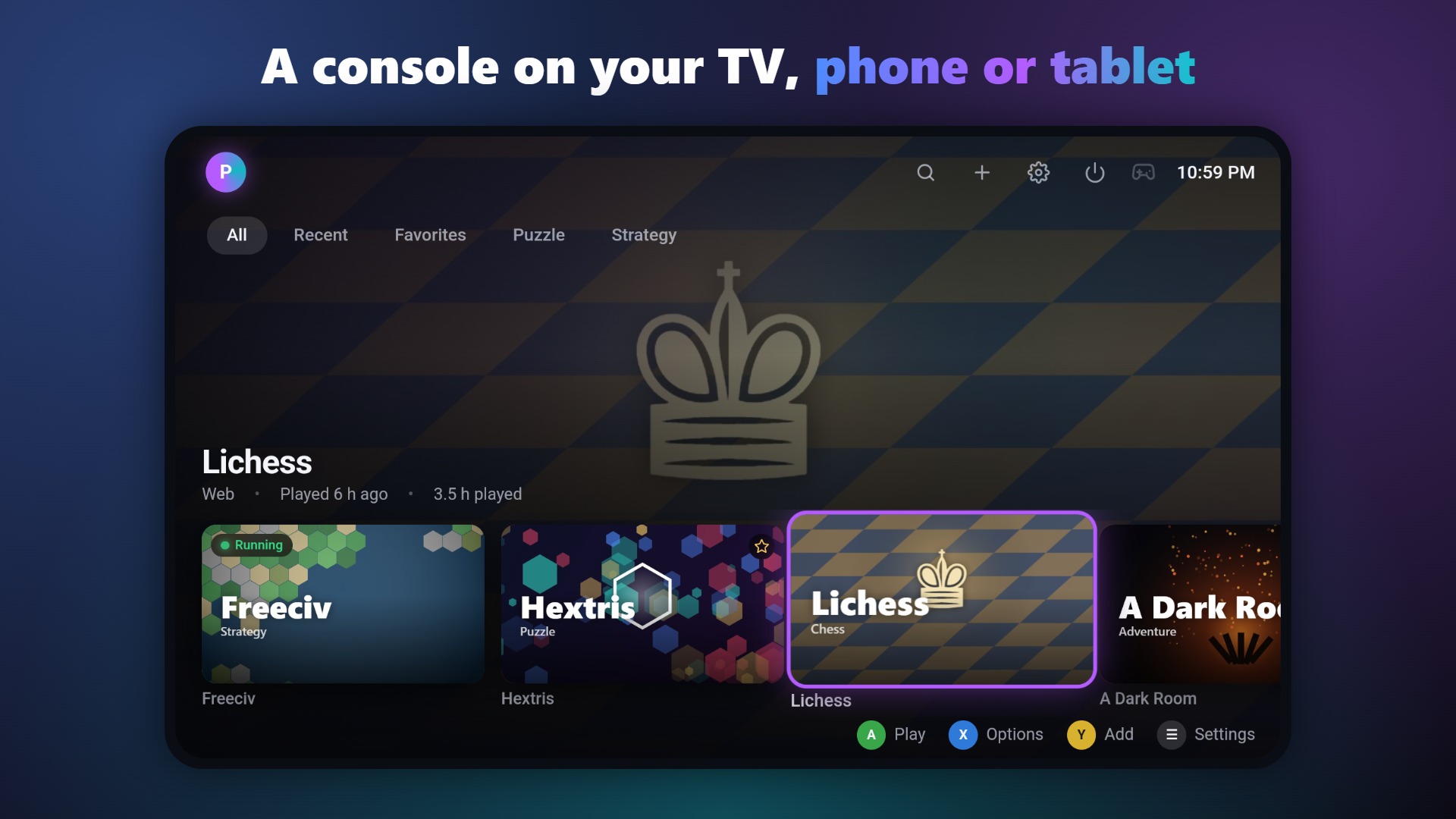
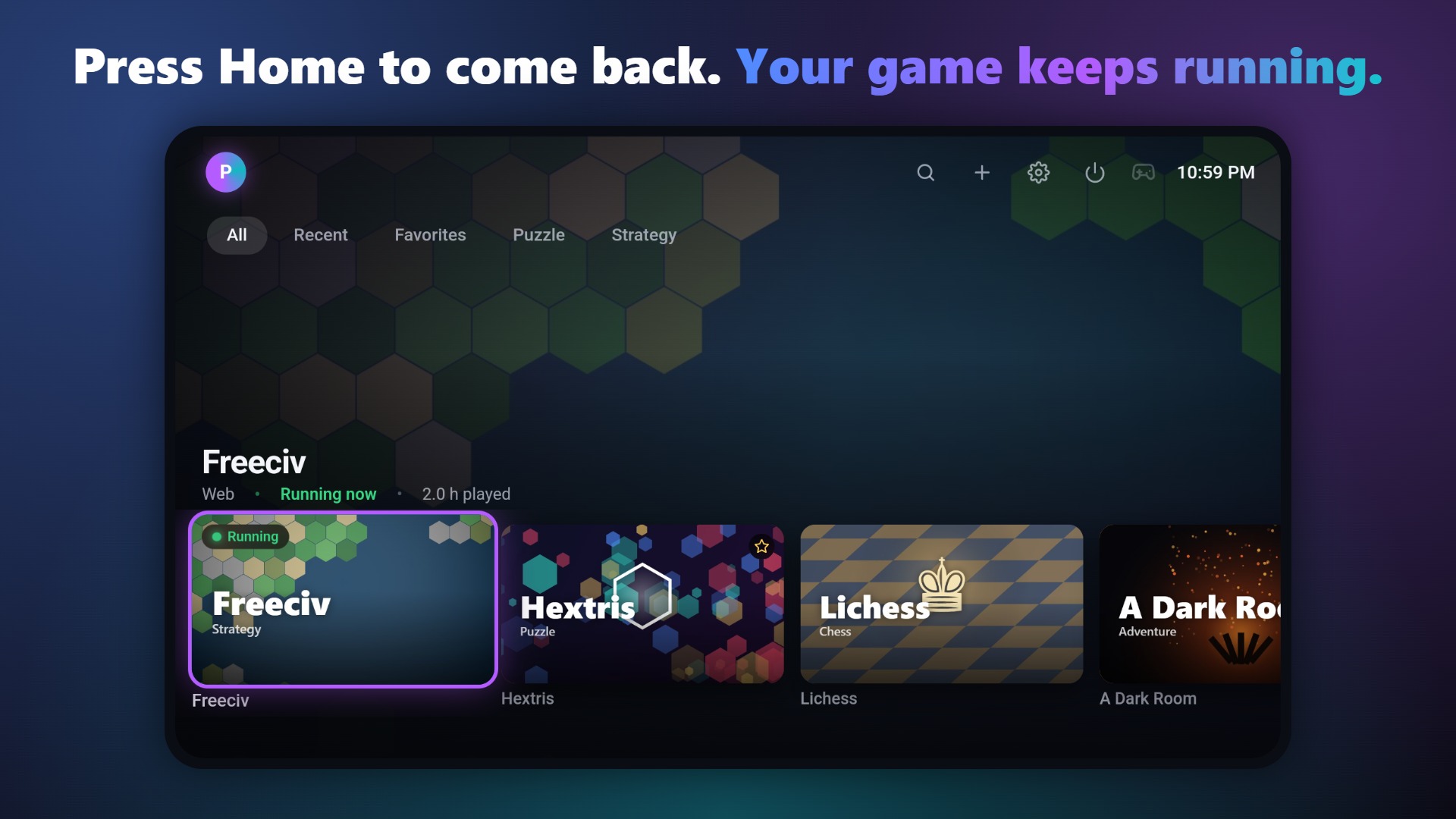
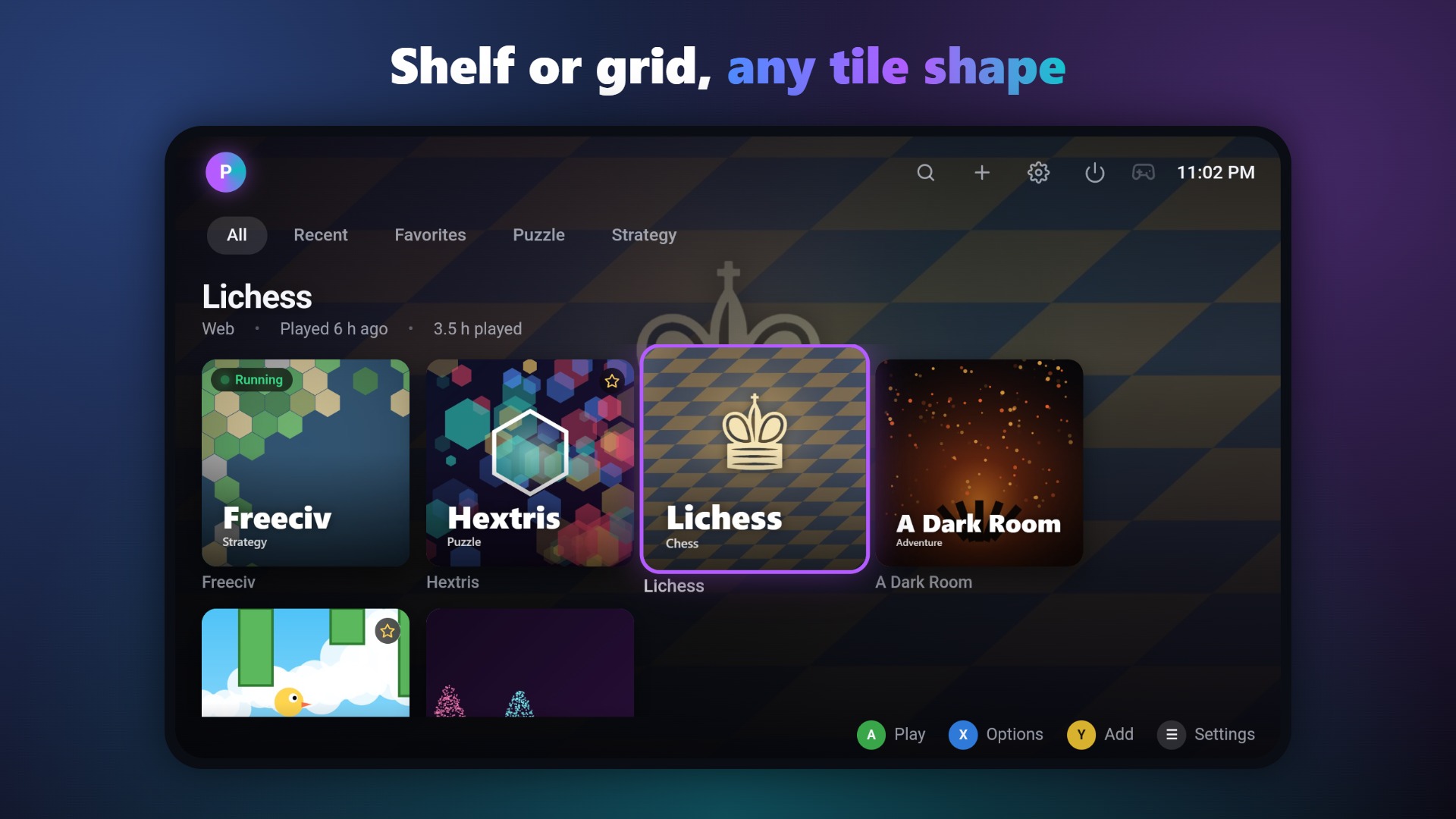
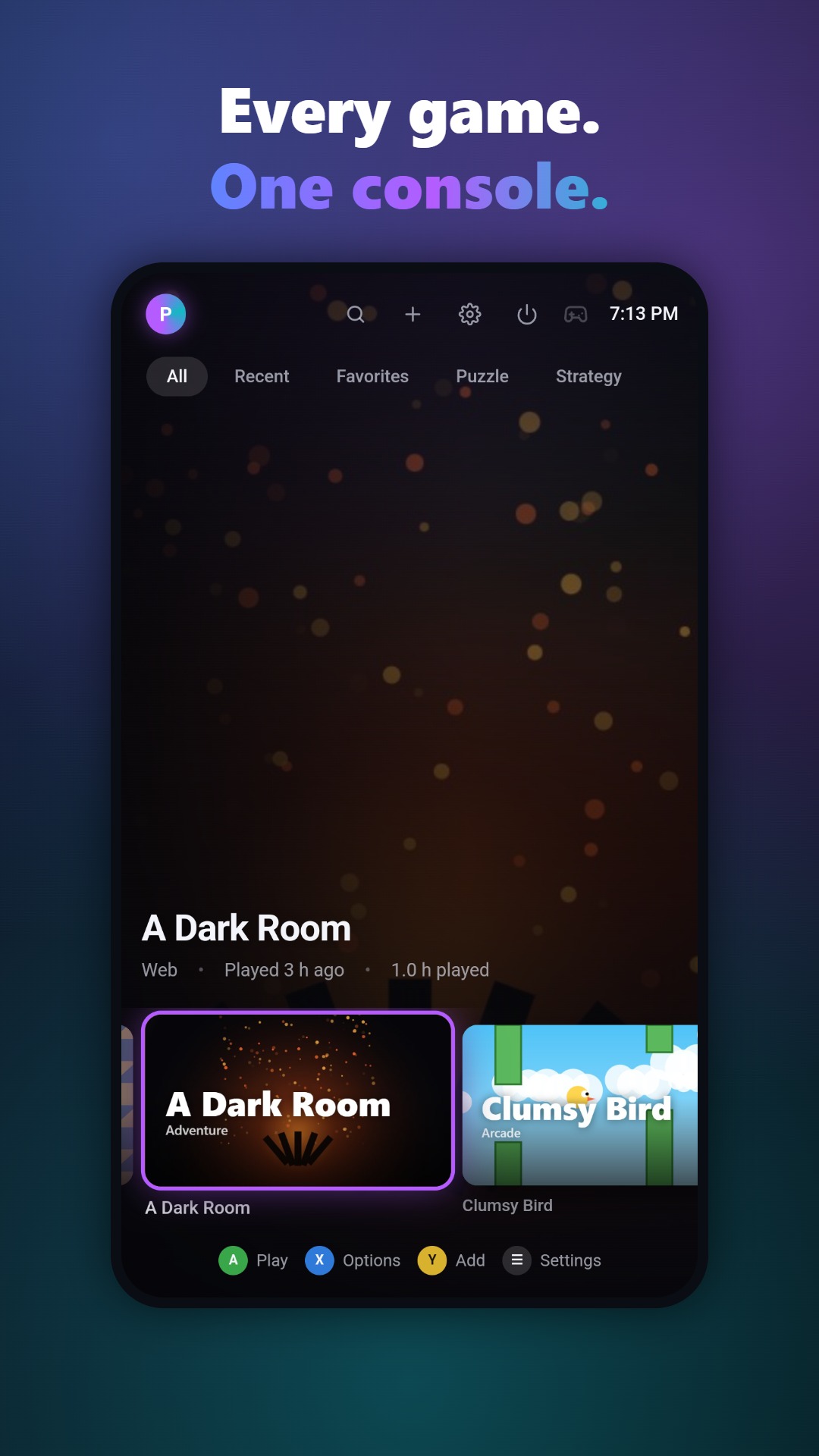
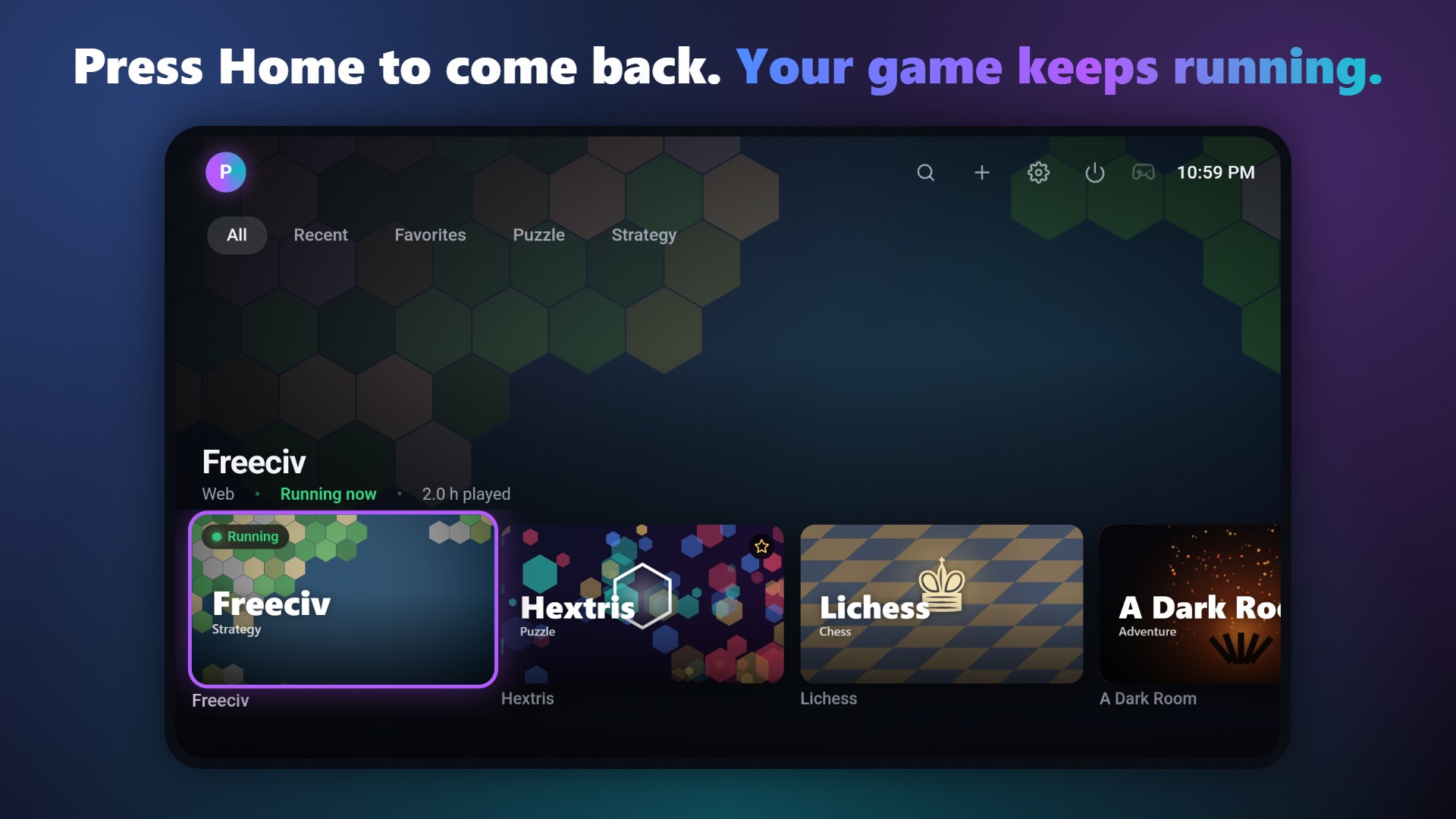
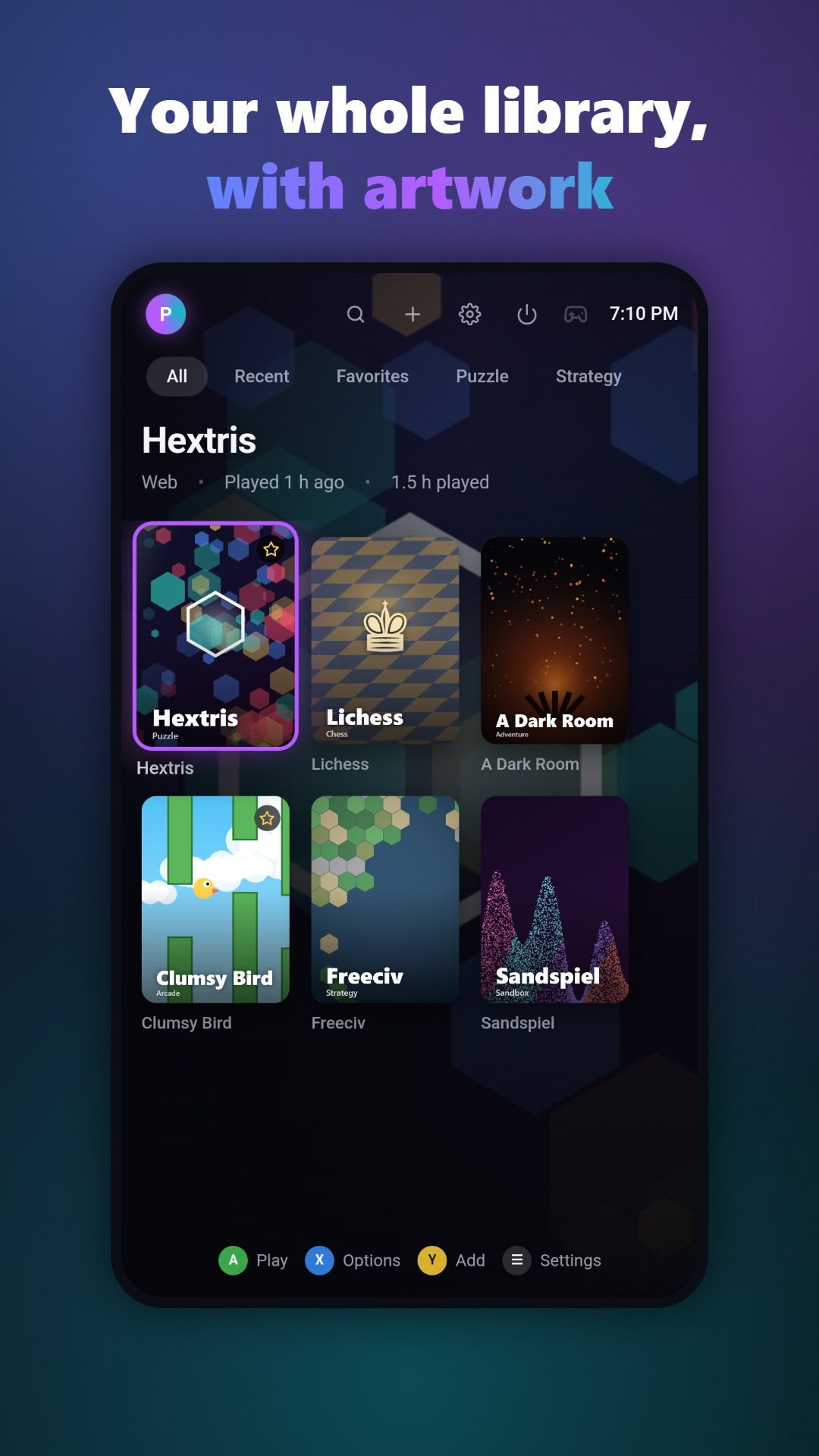
Please write the name as SofaBox (one word, capital S and B).
Contact
Levi Box, developer: [email protected]. Review copies of SofaBox Pro and early Windows builds are available on request.